
01
They tap or scan your card
Your profile opens in their browser. No app to download, no account to create, nothing to install.
Hand your card over and the other person can share their details back in a couple of taps — no app, no account needed. Every lead lands in your dashboard, tagged to the card that made it.

Product illustration
A plain paper card is a one-way street: you hand it over and hope. Contact-back makes every tap two-way — the person you just met can send their name and number straight back to you, and it lands as a lead you can act on.
Your profile opens in their browser. No app to download, no account to create, nothing to install.
One button on your card: name, phone, email and company, typed on the phone already in their hand.
It appears in your dashboard within seconds, tagged to the card and profile that produced it.
Live demo. Every lead emails you free the moment it lands. Seeing them all in one inbox — and exporting to CSV or your CRM — is Pro.
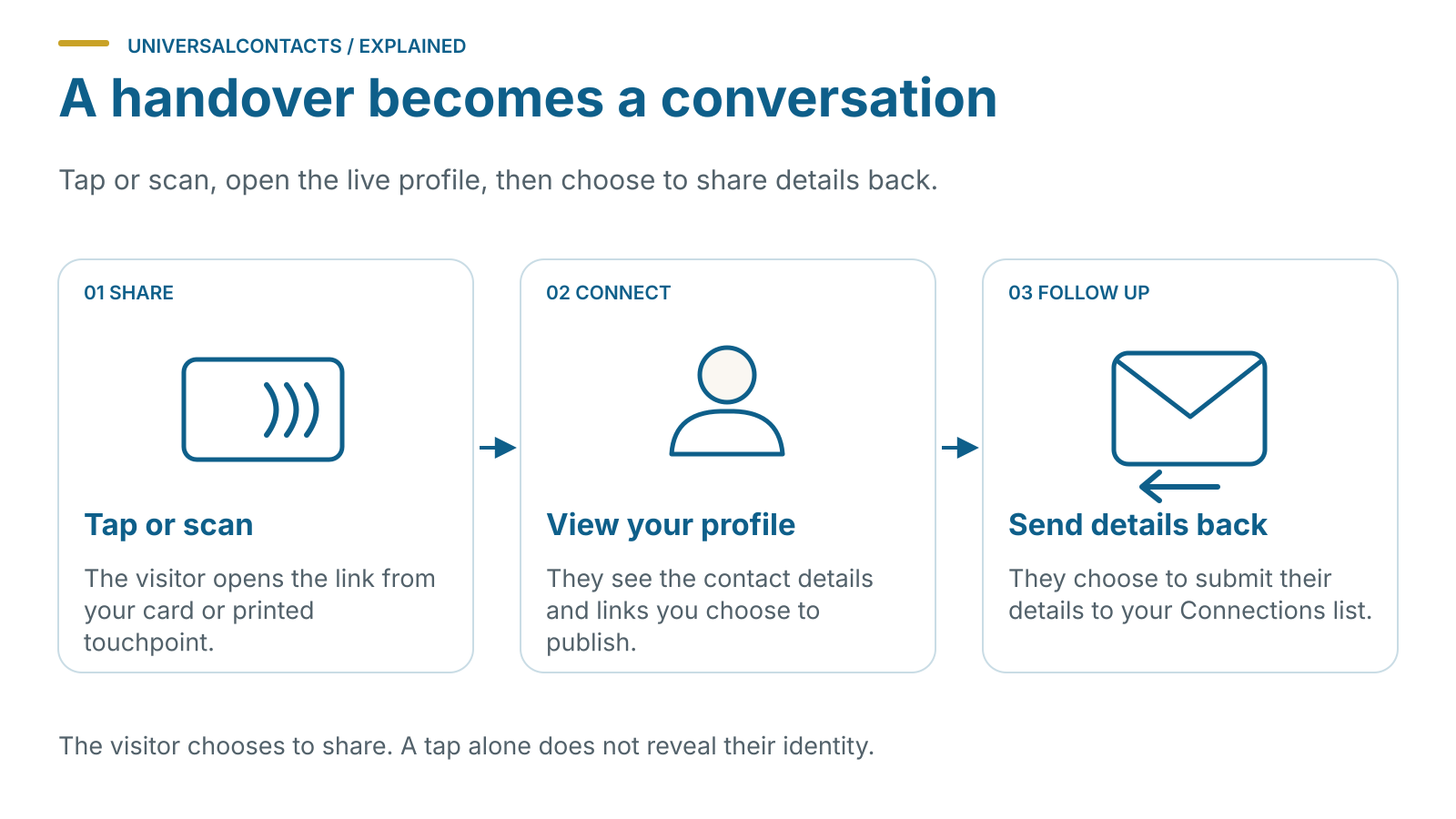
You hand the card over. The other person taps it against their phone, or scans the QR code on the back. Your profile opens in their browser straight away.
At the bottom of that profile there is a button that says share your details. They put in their name, business, email and phone, add a note if they want to, and send. That is the whole process. There is no app to download and no account to create, which is the single biggest reason people actually complete it.
The lead arrives in your dashboard within a few seconds and a copy goes to your inbox. Each one is tagged to the card that captured it, so if you carry one card and a colleague carries another you can always tell whose conversation it was. The note they left travels with the lead, so you have some context when you follow up a week later.
Contact-back is free on every profile, forever. Pro adds CSV and vCard export plus a CRM webhook, and every card comes with Pro included: three months with plastic, six with bamboo, twelve with metal.
The demo card carries the same share your details button that sits at the bottom of every profile. Open it, scroll to the end, and send yourself through it. That is exactly what the person you hand a card to sees, and it takes about as long as it would take them.
Every lead emails you the moment it arrives and sits in your dashboard. That part is free, forever, on every profile.
If you also use CentralContacts — our shared contact book, from the same workshop — you can switch on sync and each lead lands there too, as a real contact rather than a row in a list. It arrives with the card that captured it, the date you met and the note they wrote, so a doorstep chat is still legible three weeks later. From there you can ring them from a desk phone, Teams, Meet or your mobile without typing the number out, and when they keep their own details current your copy follows.
It stays yours. A synced lead goes into your contacts, not your company’s — nobody else on the team sees it unless you move it there deliberately. Sync is off until you switch it on, and there is a consent record against the contact either way, which is the whole point of building it this way round.
Your address book is included free, up to 2,000 contacts. Most people never get near it, and whatever happens the people you have met stay visible in UniversalContacts and stay exportable.
No. There is no app to download. Your profile is an ordinary web page and the share form is part of it, so it works on any phone with a browser.
Into your dashboard, under your account. We do not sell contact data and we do not pass it to anyone else. You can delete any lead from the dashboard, and you should honour a deletion request if the person asks you for one.
Yes, on Pro. Export the lot as CSV or vCard, or point the webhook at your CRM and each new lead is posted across as it arrives.
Deactivate it from your dashboard. The card stops resolving to your profile immediately, and your leads and analytics stay where they are.
How the lead comes back to you, and why it is the bit others charge for. Read the guide →