
Contact-back, explained: turn every tap into a lead
The problem with a business card is that it only works in one direction. Contact-back makes every tap two-way, so the people you meet become leads you can actually chase.
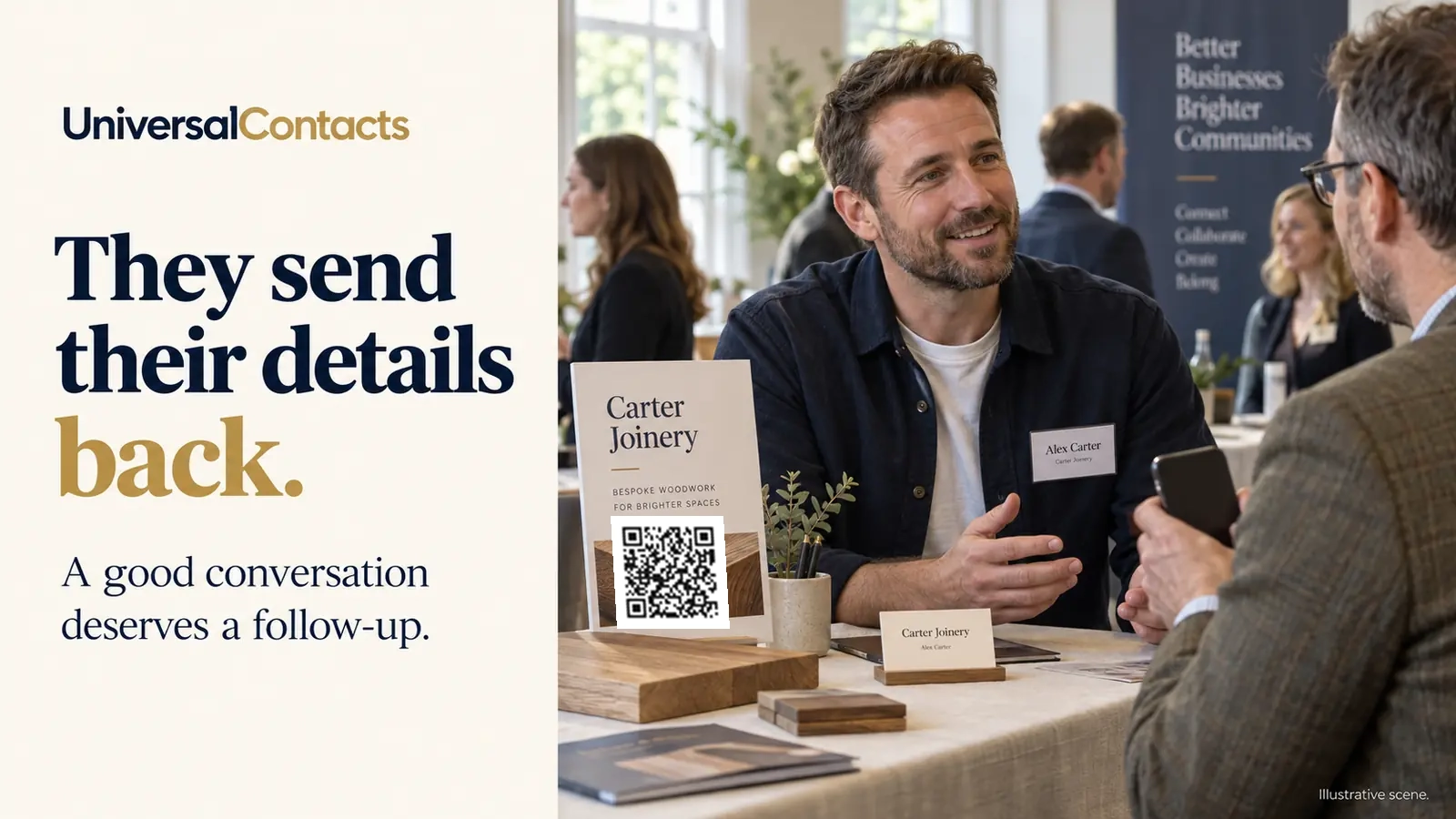
You hand over a hundred cards a year and never hear from most of the people who took one. That is not because they were not interested — it is because a paper card puts all the effort on them. They have to keep it, remember it, dig it out and type your number in later. Contact-back flips that around.
The one-way problem with business cards
A traditional card is a one-way street. You give out your details and hope the other person does something with them. You are left with nothing — no name, no number, no way to follow up the warm conversation you just had. The lead, if there was one, walks off in someone else's pocket.
How contact-back works
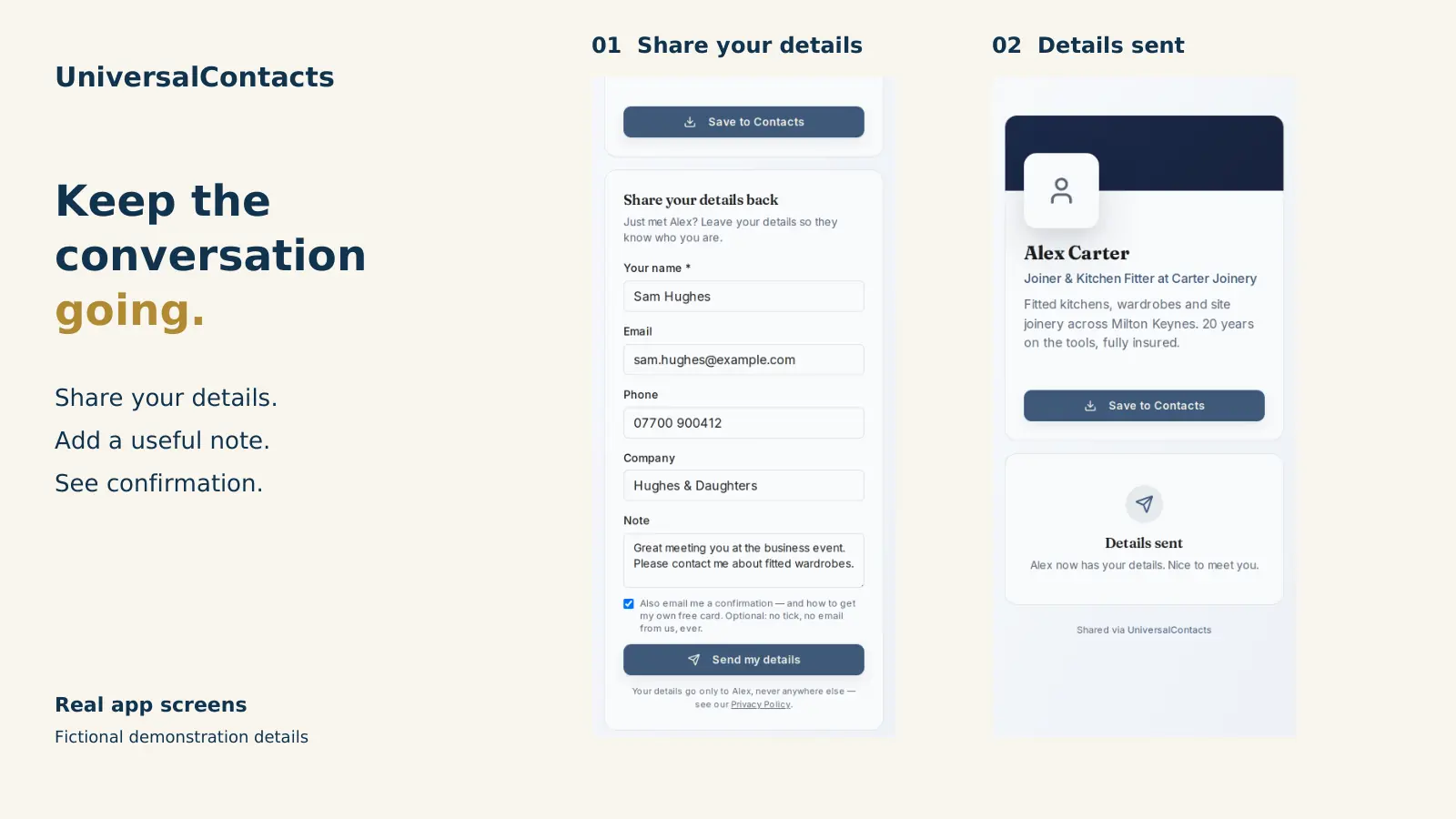
When someone taps your NFC card or scans your QR, your profile opens on their phone. At the bottom there is a button that says share your details. They enter their name, business, email and phone, add a note if they like, and send. That is the entire process.
- They tap or scan your card — your profile opens in their browser.
- They tap share your details and fill in a short form on the phone already in their hand.
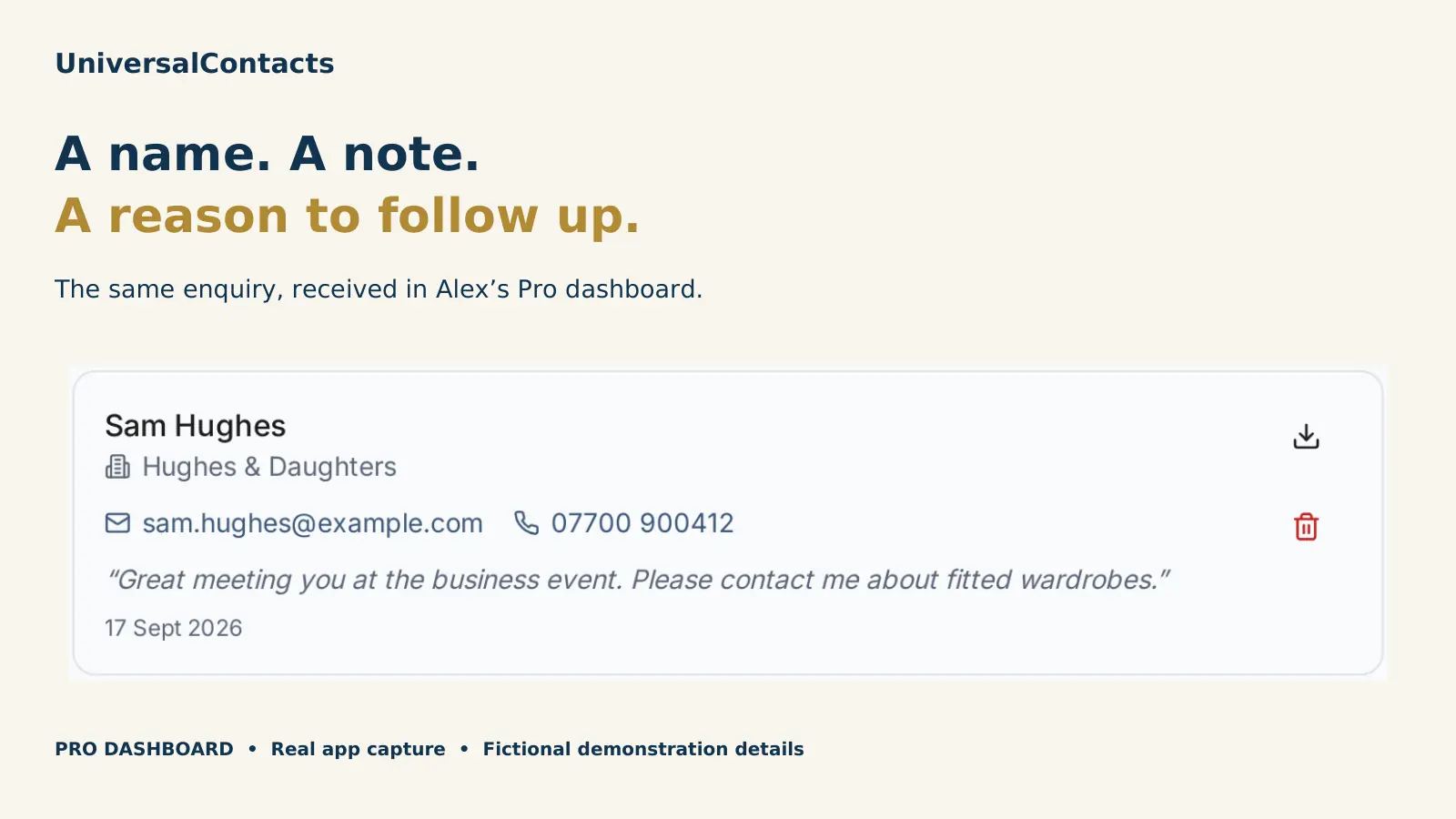
- The lead lands in your dashboard within seconds, and a copy goes to your inbox.
Each lead is tagged to the card that captured it, so if you carry one card and a colleague carries another, you can always tell whose conversation it was. Any note they left travels with the lead, which gives you a bit of context when you follow up a week later.
Why people actually complete it
The reason contact-back works where other digital tools do not is that it asks nothing of the other person beyond a short form. There is no app to download and no account to create — your profile is an ordinary web page and the form is part of it. People fill it in because it takes ten seconds on the phone that is already open in their hand.
A paper card gives your details out. Contact-back brings theirs back.
From tap to follow-up
Because the details land in your dashboard, you have a real list of the people you met, not a memory of them. Follow up by phone, email or WhatsApp while the conversation is still fresh. On Pro you can export the lot as CSV or vCard, or point a webhook at your CRM so each new lead is posted across as it arrives. Your leads and analytics stay yours — details are not sold or passed on, and you can delete any lead whenever you want.
Where the lead goes next
Every lead emails you the moment it arrives and sits in your dashboard. For plenty of people that is the whole job — it is in your inbox, you ring them back, done.
If you want somewhere to actually work the lead, it can carry on into CentralContacts, our shared contact book. Switch the sync on and the lead becomes a proper contact rather than a row in a list. It arrives with the card that captured it, the date you met and the note they wrote. And you can ring them from a desk phone, Teams, Meet or your mobile without typing the number out.
Two things worth saying plainly, because they are the sort of thing that usually gets buried. The sync is off until you switch it on. And a synced lead lands in your own contacts, not your company's — nobody else on your team sees it unless you deliberately move it there. A consent record sits against the contact either way. Your address book is included free, up to 2,000 contacts, and the people you have met stay visible in UniversalContacts whatever happens — you never pay to see who you met.
What it costs
Contact-back is free on every profile, forever — it is not an upsell. You do not need a physical card to use it; a free profile shared by QR captures leads just the same. If you do want a card to tap, they are a one-off from £24 with no subscription, and every card comes with a few months of Pro included so you can try the CSV export and CRM webhook.